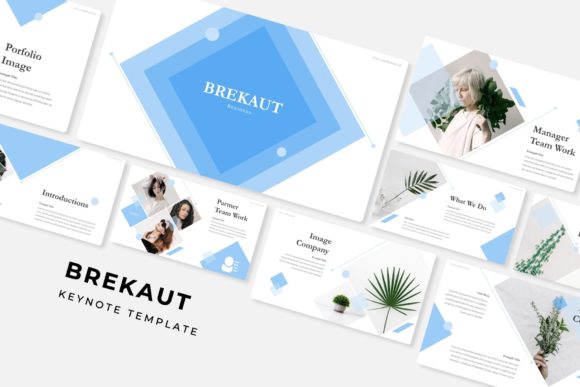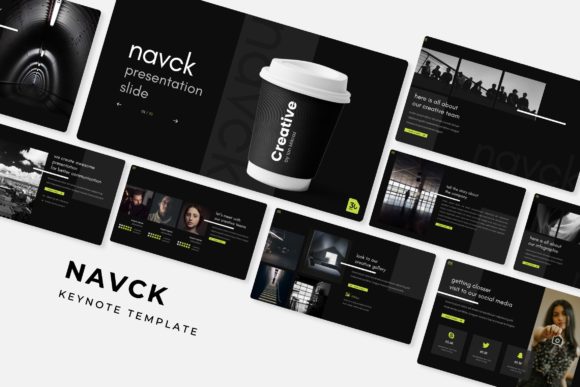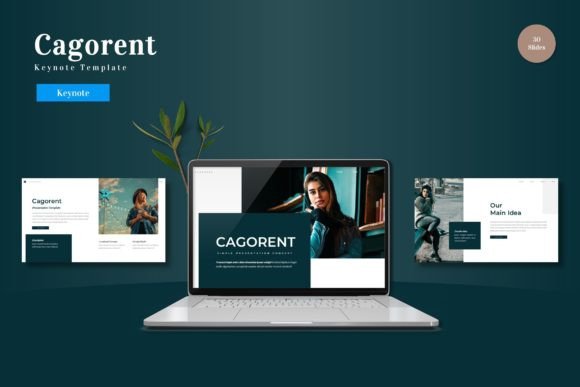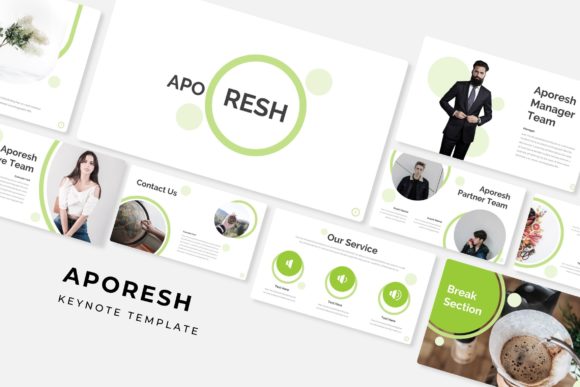
Monrigu: A Keynote Template for Cohesive Brand Presentations
Imagine sitting in the audience, watching a presenter click through their slides. One slide feels disconnected from the next, the colors clash, and the information feels cluttered. Now, picture the opposite: a presentation that flows seamlessly, where every visual element supports the message, and the design itself builds trust. That’s the difference a well-crafted template like Monrigu makes. It’s not just about having pretty slides; it’s about creating a visual language that speaks clearly and professionally before you even say a word.
More Than Slides: A Visual Communication System
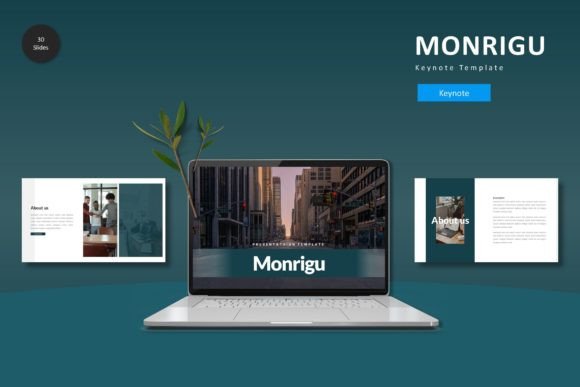
Monrigu is built as a complete system, not just a collection of individual slides. With over 150 slides across five premade color schemes, it provides the foundational structure for a wide range of professional narratives. Each of the five color variations contains 30 meticulously designed slides, including dedicated section breaks. This means you can maintain visual consistency throughout a lengthy pitch deck, a detailed project proposal, or a comprehensive workshop without the design ever feeling repetitive or stale. The master slide architecture is the engine here, allowing you to change a font, adjust a color palette, or swap a logo once and have it update globally, ensuring brand alignment across every single page.
Practical Design for Real-World Projects
The true value of a template like this lies in its application. For a small business owner crafting a investor pitch, the pixel-perfect illustrations and handcrafted infographics transform complex data into digestible, engaging stories. A content creator preparing a keynote for a conference can use the gallery and portfolio slides to showcase their work with impact, using the drag-and-drop picture placeholders to effortlessly integrate their own imagery. The design isn’t just decorative; it’s functional. Each layout is thoughtfully arranged to guide the viewer’s eye, prioritize key information, and create natural breathing room, which directly improves readability and audience retention.
Building Brand Recognition Through Consistency
One of the biggest challenges in branding is maintaining a consistent identity across all touchpoints. Monrigu acts as a bridge between your brand guidelines and your presentations. By customizing the template’s colors and fonts to match your existing brand assets, you instantly create a cohesive look that reinforces recognition. Whether you’re presenting a new product line to retailers, outlining a marketing strategy to your team, or delivering a keynote at an industry event, the visual consistency builds a subconscious sense of reliability and professionalism. It helps your audience focus on your message because the design is working quietly in the background to support it, not distract from it.
From Presentation to Multi-Platform Assets
Think of this template not as a single-use tool, but as a versatile design asset. The layouts and graphics contained within are easily adaptable. A well-designed slide about your company’s process can be exported as an image for a LinkedIn post or a blog graphic. A striking section break slide can serve as a bold visual for a social media campaign. The editable infographics can be repurposed into standalone charts for a report or a website banner. This flexibility extends the value of your investment far beyond the keynote itself, providing a toolkit for creating consistent marketing assets that maintain your brand’s visual voice.
Choosing Your Visual Narrative
With five distinct color schemes included, you have the opportunity to select the palette that best aligns with your project’s tone. A deep, sophisticated navy and gold scheme might be perfect for a financial services proposal, while a vibrant, energetic palette could be ideal for a startup launch or a creative agency showcase. This choice is your first strategic design decision. It sets the emotional backdrop for your entire presentation. The template’s modern typography and clean lines ensure that regardless of the color scheme you choose, the presentation will feel current and professional, avoiding dated design trends that can quickly undermine credibility.
Ensuring Clarity and Professional Polish
Before finalizing your presentation, leverage the template’s structure to test your content’s clarity. Use the pre-designed text placeholders to see if your headlines are concise and your body copy is scannable. The ample white space built into the layouts is a feature, not a limitation—it prevents cognitive overload and makes your key points stand out. For those incorporating data, the infographic slides provide a framework to visualize numbers in a way that tells a story, making your argument more persuasive. Remember, the goal is to make your audience’s experience effortless; a polished, well-organized presentation using a resource like Monrigu does exactly that, allowing your ideas to take center stage.