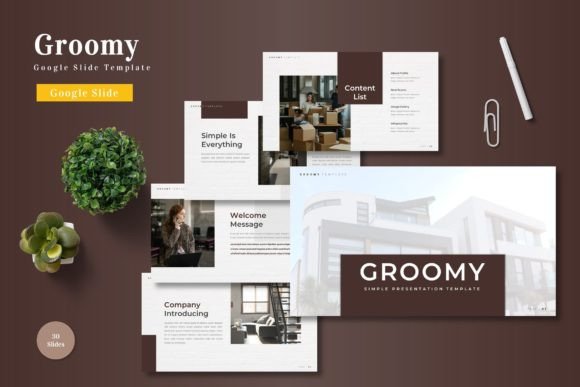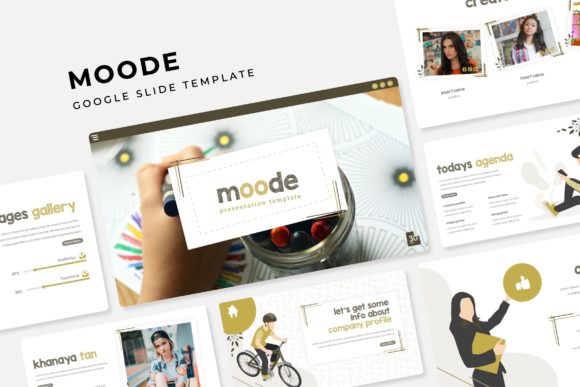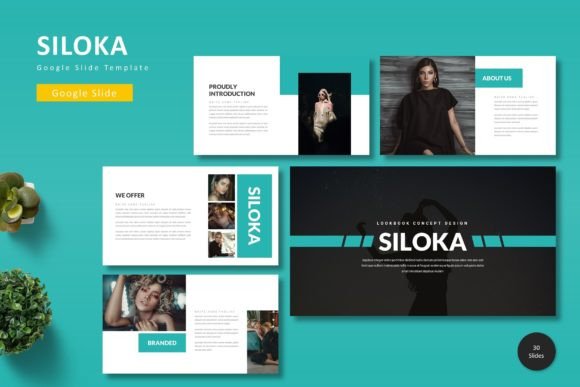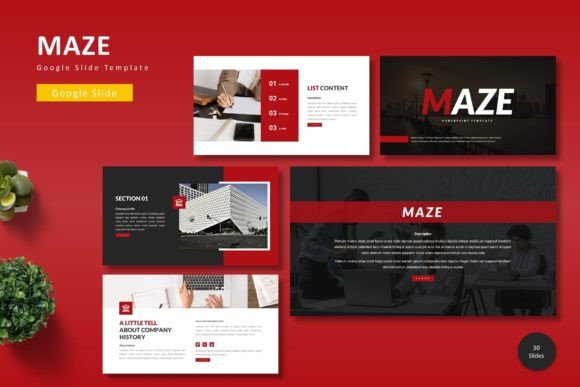
Magiesto: A Google Slide Template for Visual Storytelling
You've got a big presentation coming up. Maybe it's a pitch to investors, a workshop for clients, or a keynote at an industry event. You open your slide software, stare at the blank canvas, and the familiar dread sets in. How do you make your data, your story, and your ideas look cohesive, professional, and—most importantly—engaging? This is where a tool like the Magiesto Google Slide Template shifts from being a nice-to-have to a genuine project-saver. It’s not just about having pretty slides; it’s about having a structured, flexible system that lets you focus on your message, not on aligning text boxes for the hundredth time.
Beyond the Default: Building a Cohesive Visual Narrative
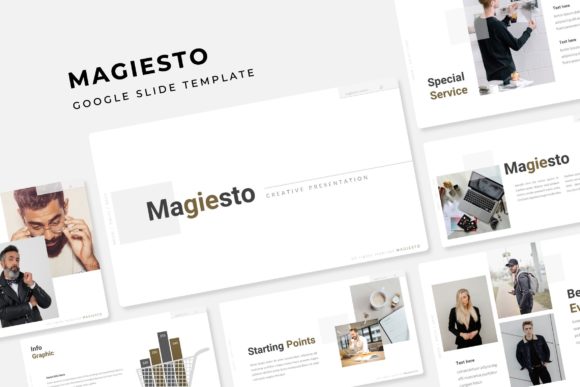
Let’s be honest, the built-in templates in most presentation software are generic at best. They can make even the most innovative idea feel stale. Magiesto approaches this problem by offering a library of over 150+ total slides, meticulously organized into 5 premade color themes. Each color theme isn’t just a palette swap; it includes 30 distinct slides designed for that specific vibe, giving you a complete visual language from the start. This structure is a game-changer for visual consistency and brand recognition. Whether you're a small business owner aligning a sales deck with your brand guidelines or a content creator designing a course module, you can select the color story that resonates with your audience and know every slide will feel intentionally crafted.
The real value, however, lies in the components. The handcrafted infographics are where complex data becomes digestible. Instead of forcing a generic bar chart onto a slide, you can choose from custom-designed visuals that tell a clearer story. The section break slides act as elegant chapter dividers, guiding your audience through your narrative without jarring transitions. And for creatives, the gallery and portfolio slides are a standout feature. They provide clean, sophisticated layouts to showcase your work—whether it’s logo design projects, packaging design samples, or social media graphics—without the hassle of building a grid from scratch.
Practical Design for Real-World Projects
What does this mean for your actual workflow? The Magiesto Google Slide Template is built on master slides. This is a technical detail with massive practical benefits. It means you can change a font, adjust a color, or modify a layout in one central place, and that change will ripple through your entire presentation. For anyone managing multiple projects or clients, this saves countless hours. The resizable and editable graphic picture placeholders further streamline the process. Dragging and dropping your own images into pre-defined spaces ensures your visuals are perfectly framed and proportioned every single time, contributing to that pixel-perfect look that screams professionalism.
Think about the applications beyond a standard business pitch. A marketing professional could use this system to create a visually stunning marketing assets guide for a new product launch. A freelance designer could develop a reusable client onboarding presentation that feels custom-tailored. An entrepreneur could design a compelling editorial layout for a digital magazine or lookbook. The versatility is its core strength. The slides are a canvas, and the Magiesto system provides the brushes and the color theory, allowing you to paint the specific picture you need.
Maximizing Your Investment: What’s Included and How to Use It
Upon downloading, you receive 5 PPTX files in a widescreen format, one for each of the 5 premade color variations. A crucial, often overlooked component is the included Readme First file. This is your quick-start guide, detailing the font used and, importantly, providing a free font download link. This is critical for maintaining design integrity. Using the intended typeface ensures the modern typography and spacing are exactly as the designer envisioned, which directly impacts readability and the overall aesthetic. It’s a small step that makes a big difference in achieving a professional presentation.
A key piece of advice: treat this as a dynamic toolkit, not a static set of slides. Start by choosing the color theme that best aligns with your brand identity or the mood of your project. Then, mix and match slides from different sections. Combine a data-driven infographic slide with a clean portfolio layout to create a unique flow. The section break slides are perfect for pivoting between topics or introducing key speakers. Remember, the goal is audience engagement. A well-paced presentation with varied but cohesive visuals will hold attention far better than a monotonous sequence of bullet points.
Finally, a note on the assets: the photographs or pictures used in the preview are for illustration purpose only and are not included. This is standard practice, but it also encourages you to use your own authentic imagery. Your photos, your team, your products—these are what will make the presentation truly yours and build a genuine connection with your audience. The Magiesto template provides the sophisticated stage; you provide the compelling performance.