Siloka - Google Slide Template: Elevate Your Presentations Instantly
Staring at a blank slide, cursor blinking, can be one of the most creatively paralyzing moments for any professional. Whether you're a small business owner preparing a pitch for investors, a marketer outlining a new campaign strategy, or a teacher planning a semester-long curriculum, the pressure to create a visually cohesive and engaging presentation is immense. This is where the Siloka - Google Slide Template steps in, offering a robust solution that bridges the gap between a fleeting idea and a polished, professional visual narrative. It’s more than just a collection of slides; it’s a comprehensive design system built to help you communicate your ideas with clarity and style.
Unlocking Visual Potential: What Makes Siloka Stand Out
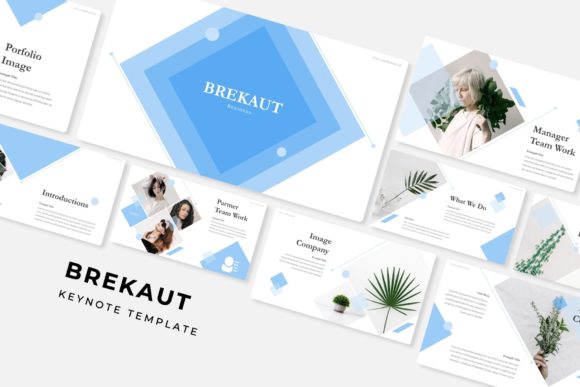
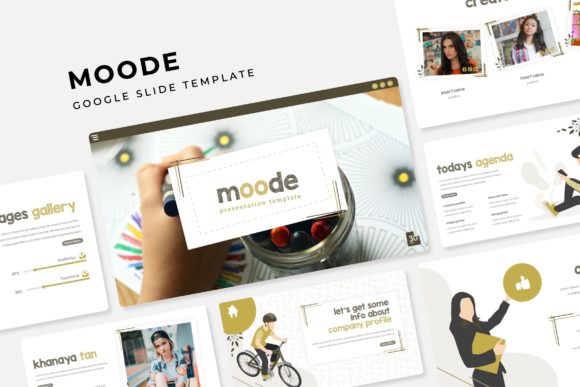
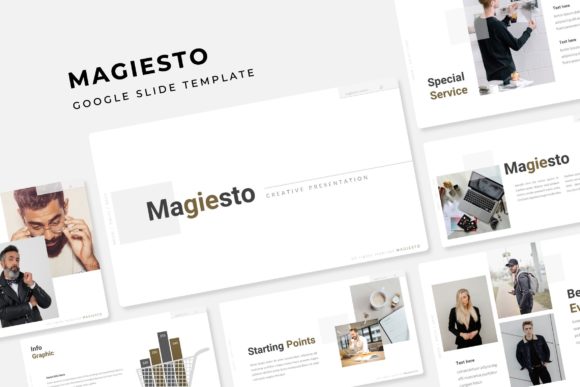
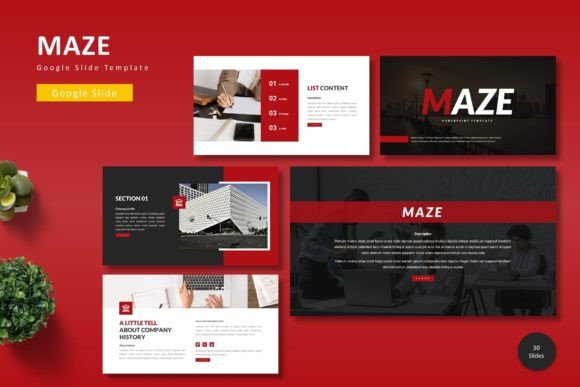
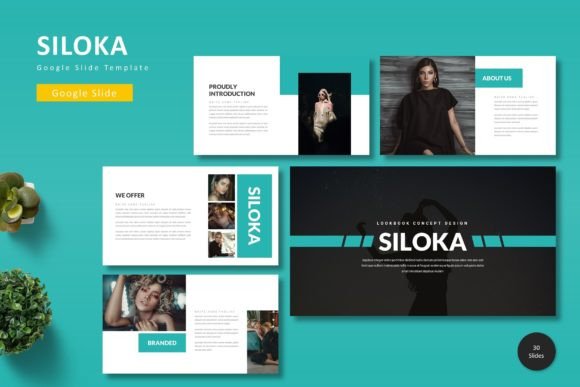
At its core, the Siloka template is designed for versatility and ease of use. It acknowledges that not everyone has the time or resources to build a presentation from scratch, yet everyone deserves a presentation that looks thoughtfully designed. The template provides a foundation of 150+ total slides, strategically organized across five premade color schemes. This means you get 30 meticulously crafted slides for each color variation, ensuring you have ample room to structure your content logically, from a powerful opening to a compelling call to action.
What truly sets it apart is the attention to detail. The slides aren't just placeholders; they feature handcrafted infographics and pixel-perfect illustrations. These aren't generic clipart images but custom graphics designed to help you visualize data, explain processes, or highlight key points in a way that feels integrated and professional. Furthermore, every graphic element is resizable and editable, giving you complete creative control. The picture placeholder feature is a particular time-saver, allowing you to simply drag and drop your own images into designated spaces without wrestling with alignment and sizing.
Beyond the Boardroom: Practical Applications for Every Creator
While the template is perfect for corporate presentations, its utility extends far beyond quarterly reviews and sales pitches. Think of it as a foundational design asset for your entire visual communication strategy.
- Brand Identity & Consistency: For entrepreneurs and small business owners, maintaining a consistent visual identity is crucial. The Siloka - Google Slide Template offers five distinct color schemes, allowing you to select the palette that best aligns with your existing brand identity. Using the same template for all your internal and external presentations reinforces your brand's professionalism and makes you instantly recognizable.
- Marketing & Sales Assets: Marketing teams can leverage the template to create compelling sales decks, product launch outlines, or social media campaign briefs. The gallery and portfolio slides are perfect for showcasing past work, client testimonials, or product features in a visually engaging manner that captures attention.
- Educational & Workshop Materials: Educators, trainers, and workshop facilitators will find the structured layout invaluable for creating clear, easy-to-follow instructional content. The section break slides help organize information into digestible modules, improving comprehension and retention for your audience.
- Creative Portfolios & Pitches: Freelancers, designers, and artists can use the template to build a stunning digital portfolio. Instead of sending static PDFs, you can present your work in a dynamic, interactive format that tells the story behind each project, making your pitch more memorable.
Design Principles in Action: Readability and Professionalism
A beautiful design is worthless if it fails to communicate. The Siloka template is built on principles of modern typography and visual hierarchy. The arrangement of text, images, and white space is carefully considered to guide the viewer's eye and ensure your message is received loud and clear. This focus on readability is critical, especially when presenting complex information or when your audience is viewing slides on different devices.
By providing a pre-structured framework, the template inherently promotes visual consistency. Every slide feels like part of the same family, which builds trust and reinforces your professional presentation standards. This consistency is a subtle but powerful tool for audience engagement; it reduces cognitive load, allowing viewers to focus on your content rather than being distracted by erratic design choices.
Getting Started: Practical Tips for Customization
Embracing a new template is exciting, but a strategic approach will yield the best results. Here’s how to make the Siloka template work for you:
- Align with Your Goals: Before you start dragging and dropping, define the objective of your presentation. Is it to inform, persuade, or inspire? Let this goal guide your choice of color scheme and slide selection.
- Master the Master Slides: The template is based on Master Slides. Take a few minutes to understand how they work. Making a change at the master level will update all related slides, saving you hours of manual editing and ensuring global consistency.
- Choose Your Typography Wisely: While the template includes suggested fonts, you can customize them. Select a premium font that complements your brand's voice—whether it's a clean sans serif font for a modern feel, a classic serif font for authority, or a script font for a touch of elegance. Always prioritize readability, especially for body text.
- Test Your Pairings: If you decide to change the fonts, experiment with font pairing. A common and effective practice is to pair a bold, distinctive heading font with a simpler, highly readable body font. Ensure there is enough contrast in weight and style to create a clear hierarchy.
- Review the Included Assets: Don't overlook the Readme First file included in the folder. It contains essential information about the fonts used in the preview and where to find them, as well as photo credits. This is crucial for ensuring you have the right commercial font licenses for your project.
The Siloka - Google Slide Template is more than a shortcut; it's a springboard for your ideas. It provides the professional polish and structural integrity that can elevate your message, allowing you to focus on what you do best: sharing your knowledge, presenting your vision, and connecting with your audience. By leveraging its thoughtful design and customizable features, you can transform any presentation from a mundane obligation into a powerful communication tool that truly resonates.